Product 03 · Version 1.0
SMAAALL
Drag it. Make it SMAAALL.
Drop an image, video or PDF from Explorer. SMAAALL makes it smaller on your PC and hands back the result—no uploads and no complicated setup.
14-day full trial · Starts on first launch · Buy and activate inside the app
01 — Capabilities
Less weight.Same workflow.
- 01Image optimizationShrink PNG and JPEG files, or convert AVIF, WebP, TIFF, BMP, TGA and JPEG XL inputs.
- 02Video compressionCompress MP4, MOV and M4V files locally with progress you can actually follow.
- 03Careful PDF optimizationCreate a smaller sibling while signed, encrypted or unsafe documents stay untouched.
- 04Fit under a targetAim for 500 KB, 1 MB, 2 MB, 5 MB or a custom size when an upload limit is non-negotiable.
- 05Fast format conversionMove images to WebP or JPEG and resize images or video to 50% from the same compact surface.
- 06Quiet automationOptional clipboard, Screenshots-folder and Explorer workflows handle repetitive jobs in the background.
- 07Original-file safetyKeep both by default, with verified backups and restore when you choose replacement.
- 08100% localYour files stay on your Windows machine. Optimization never depends on a cloud upload.
02 — Real results
See the difference.Keep what matters.
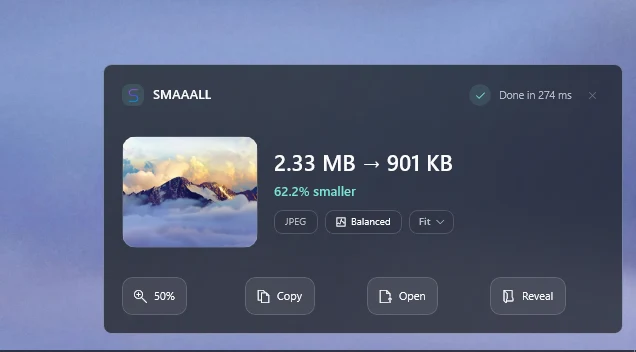
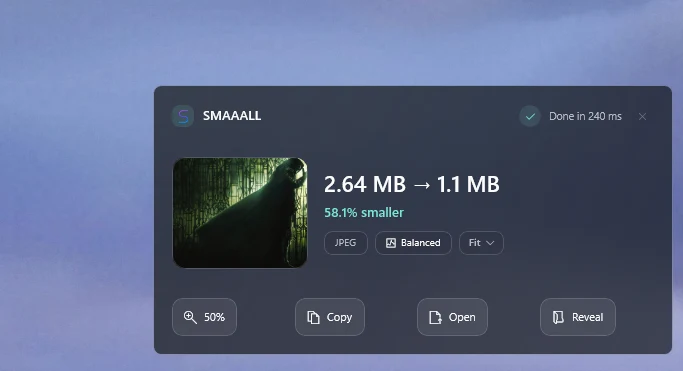
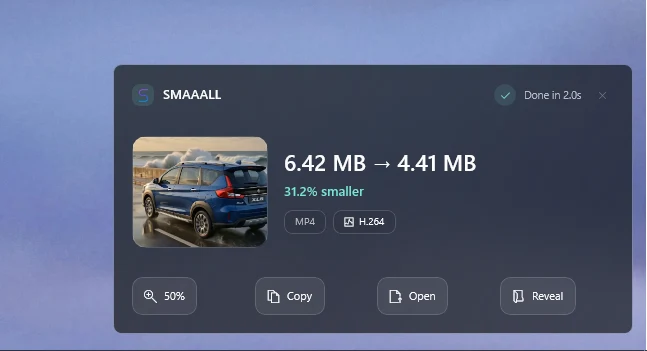
Real interface captures · Results vary by source file and content
03 — PDF & batches
One file.Or the whole batch.
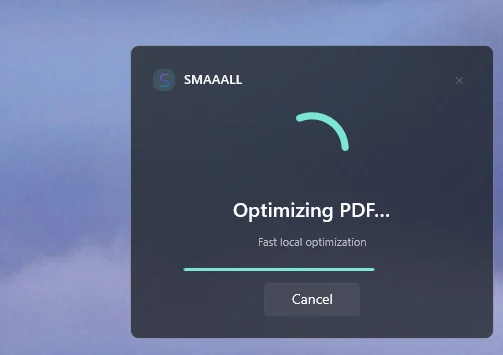
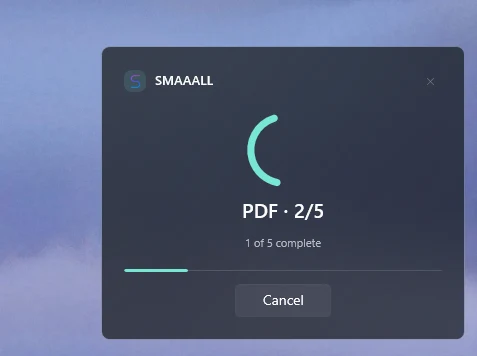
Progress that stays honest.
SMAAALL shows the active job, batch position and completion count while every file stays on your machine. Signed and encrypted PDFs are left untouched.
04 — Workflow
Drag. Drop.Smaller. Done.
The easiest part is starting.
Drag a file from Explorer. SMAAALL appears, makes it smaller and gives you the result in the same compact window. No project setup, no upload and no workflow to learn.
05 — Privacy
Your files.Your machine.
SMAAALL processes media locally. Client work, personal documents and unfinished shots do not need to cross a network just to lose a few megabytes.
06 — Download & licence
Try everything.Buy in the app.
The 14-day full trial begins when you first launch SMAAALL—no account or licence key required. When you are ready, use Buy inside the app. You’ll receive a licence key by email; paste it into SMAAALL once to activate it on this computer.
07 — Support
Talk directly to the person building it.
For workflow questions, licence activation, support or feedback:
rawcgi@outlook.com